The Unfinished Second: Thumbnail Ideas That Make People Ask a Question
There is a specific kind of thumbnail that frustrates me more than a bad one. It is technically excellent — well lit, well composed, sharp, colour-graded — and completely inert. Nothing in the frame is unfinished. The whole story is visible, so there is no reason to open the video, and the click never comes.
Nobody scrolling a feed is asking whether your thumbnail is good. The only question their attention ever asks is much smaller and much less flattering: what is going on there? If the frame answers that question by itself, the viewer has already got what they came for.
A Gap, Not a Puzzle
The mechanism has a name in psychology — an information gap. You know enough to feel the absence of something, and the absence itself creates the pull. It is why you finish a sentence somebody trails off in the middle of.
The important word is gap, not mystery. A gap needs two sides. The viewer has to understand enough to care and be missing exactly one thing. Take away too much context and there is no gap at all, only confusion, and confusion does not produce clicks — it produces scrolling.
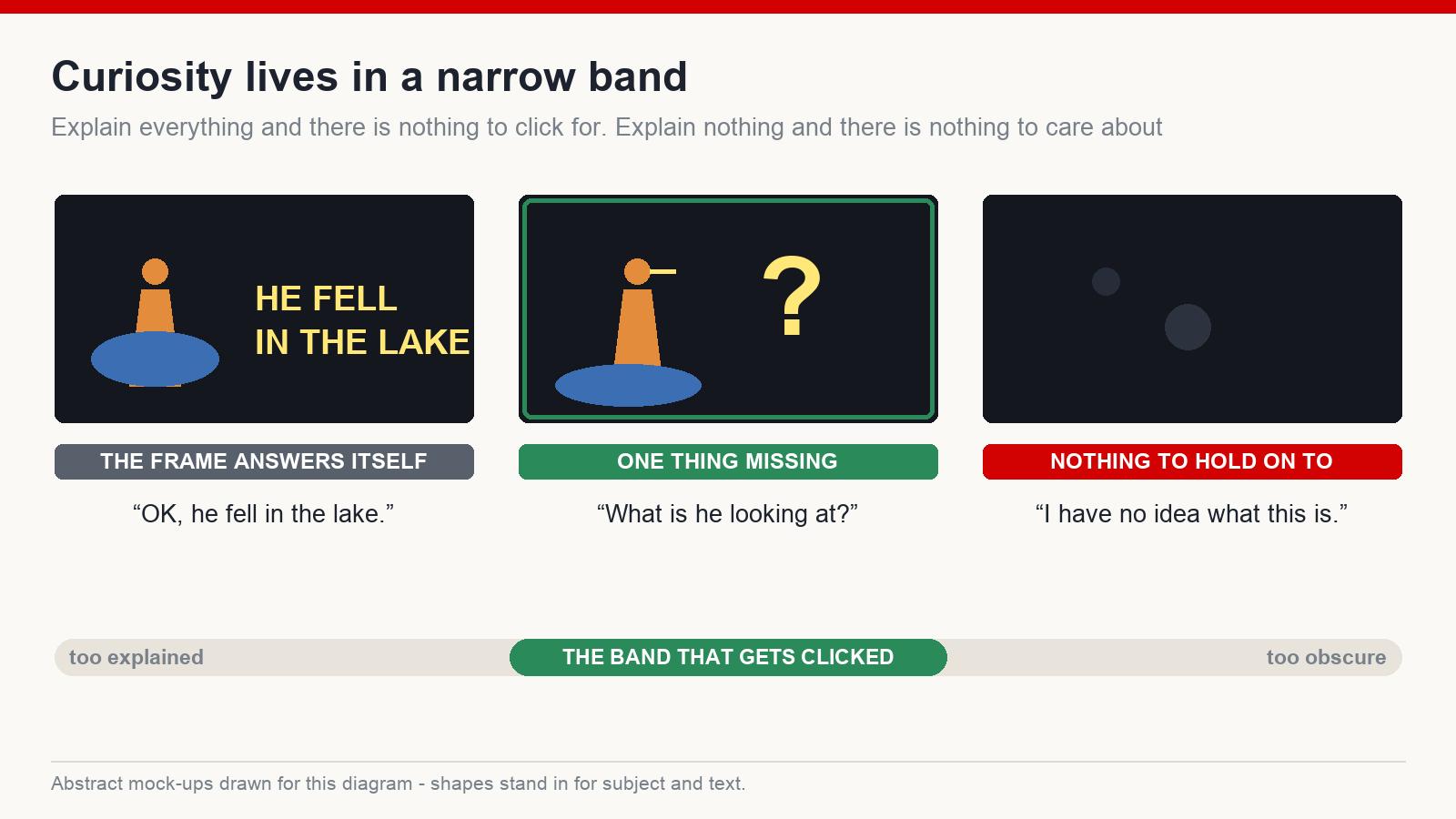
That is the tightrope. Fully explained on one side, unreadable on the other, and a fairly narrow band in the middle where a stranger looks at your frame and forms a question they want answered.
Show the Second Before the Answer
The most reliable way I know to land in that band is to stop choosing a frame that summarises the video and start choosing the instant just before something resolves.
A hand on a door that has not opened. Something a moment away from falling. Someone reacting to what is happening off the edge of the frame. A machine mid-collapse. In each case the viewer can see exactly what is at stake and cannot see how it ends, which is the whole trick in one sentence.
Before I generate or shoot anything now, I write that instant down as a sentence: the second before the ice gives way. If I cannot write the sentence, there is no moment, and no amount of lighting will invent one.
Three Gaps That Keep Working
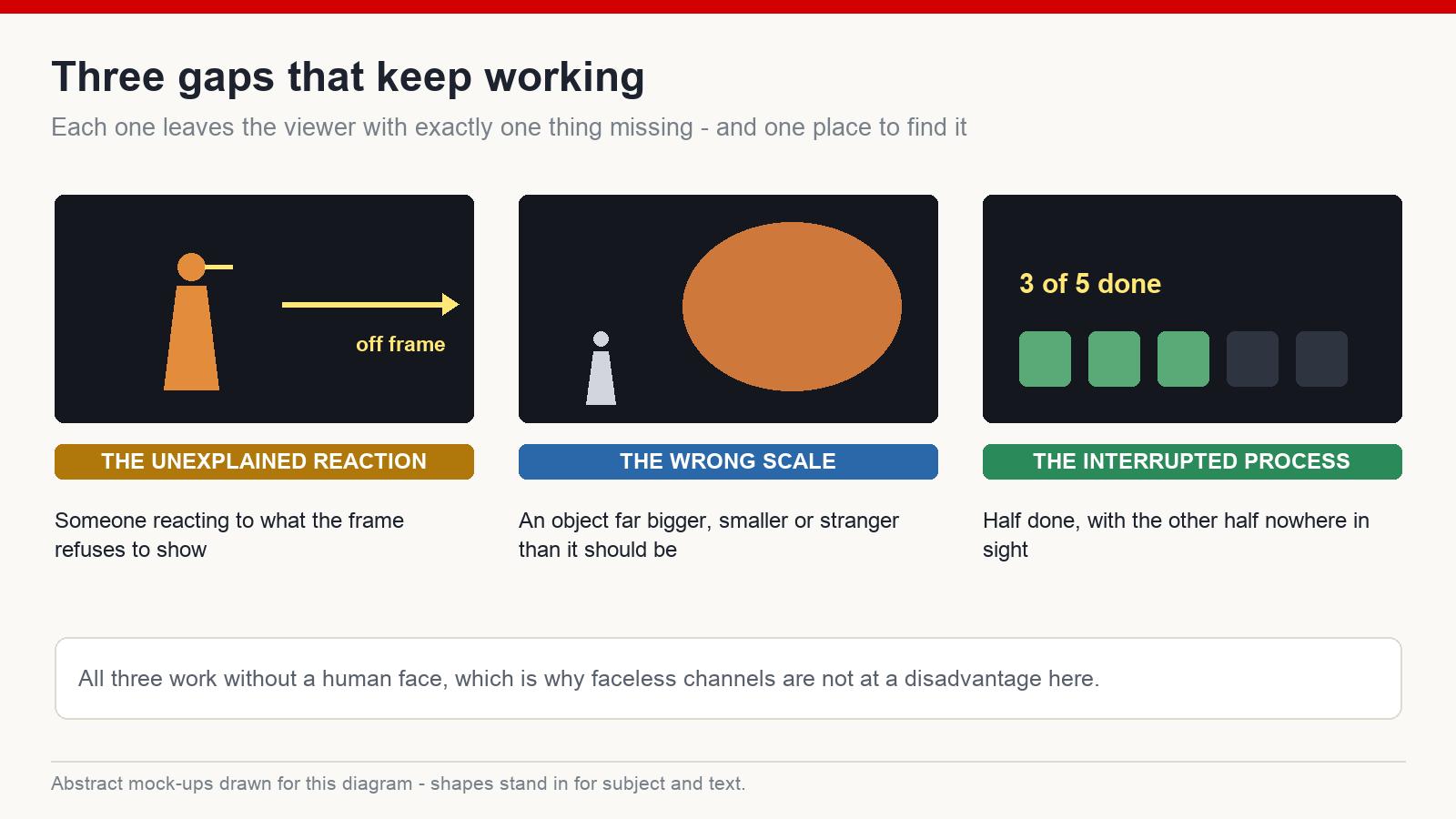
The unexplained reaction. A figure clearly reacting — alarm, disbelief, delight — to something the frame does not show. The viewer instinctively looks for the cause, cannot find it, and the only place left to look is inside the video. This works with faces, but it works with body language and silhouettes too, which matters if your channel never shows a person.
The wrong scale or the wrong place. An object far larger, far smaller, or somewhere far stranger than it should be. The eye is very good at detecting broken expectations, and a broken expectation is a question that forms before you have consciously read the image.
The interrupted process. Something half-done. A before with no after. A structure part-built, a container part-emptied, a route part-travelled. Humans are unreasonably bad at leaving a process unfinished, and a thumbnail can borrow that discomfort.
The Believability Ceiling
Exaggeration is the standard tool for widening a gap, and it works right up until it does not.
The ceiling is plausibility. A viewer will accept a moment that is heightened, dramatic, more extreme than usual — and will dismiss instantly a moment that could not have happened. The difference in click behaviour between “that looks intense” and “that is obviously fake” is total, and the second one costs you more than the click. It costs you the assumption that your channel is honest, which is the thing that makes every future thumbnail work.
My working test: if a reasonable viewer would feel cheated when they see the real footage, the frame is over the ceiling. Push right up to it and stop.
The Payoff Contract
Every gap you open is a promise to close it, and the video has to close it early.
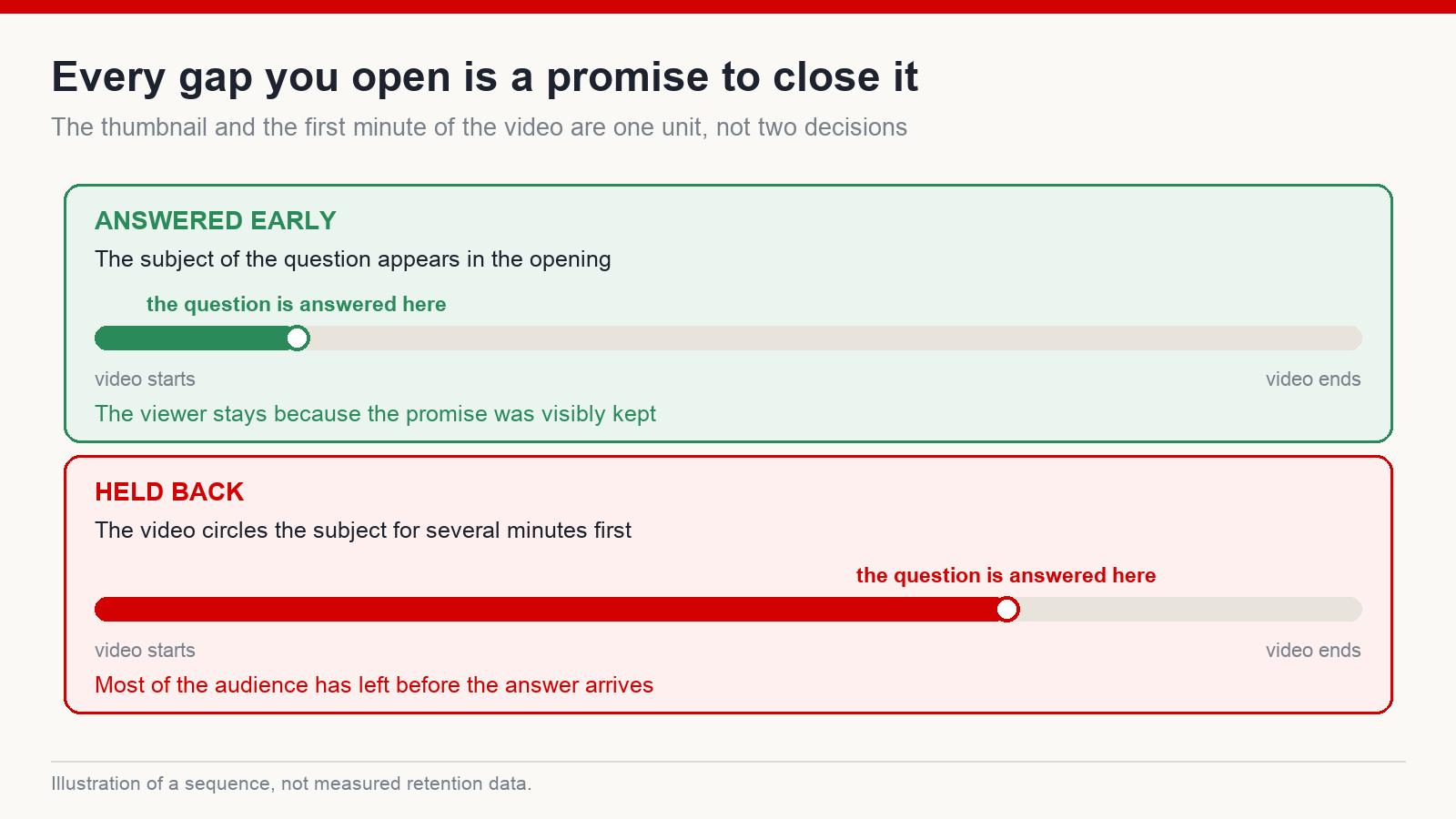
If the thumbnail asks what happened at the frozen lake, the first thirty seconds of the video should establish the frozen lake. Not the payoff itself necessarily, but visible progress towards it. Hold the answer back for eight minutes to protect watch time and you will watch the retention graph fall off a cliff instead — and a click that ends in someone leaving annoyed is worth less to you than no click at all.
This is the part most curiosity advice leaves out. The thumbnail and the opening of the video are one unit. A strong gap with no early payoff is a trap, and viewers remember the channels that trapped them.
Say the Question Out Loud
Here is the cheapest test in the whole process, and I run it on every thumbnail.
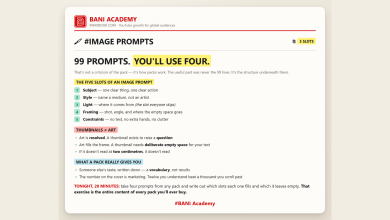
Look at the frame and say, out loud, the question a stranger would ask when they see it. One sentence. If what comes out is “why is it up there?” or “what is he looking at?” or “how did that get inside?”, you have a gap. If what comes out is a description — “it is a nice shot of a lake” — you have a photograph, and photographs do not get clicked.
Do Not Spend the Gap Twice
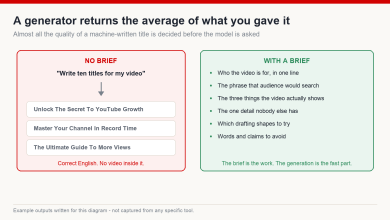
The thumbnail and the title share one job between them and should not duplicate each other. If the frame shows an unexplained reaction, the title should not explain the reaction — it should name the subject and the stakes so the viewer knows what territory they are in. If the title carries the question, the frame should carry the situation.
When both halves ask the same question, you have used two slots to do one slot’s work. When both halves answer it, you have closed the gap before anyone clicked.
Test It on Someone Who Is Not You
You cannot judge your own thumbnail, because you already know what happens in the video. That knowledge is unremovable, and it makes every frame you produce look clearer than it is.
So use someone else. Show the frame for two seconds — genuinely two, then take it away — and ask two questions: what do you think this is about, and what do you want to know? The first answer tells you whether the image is legible. The second tells you whether there is a gap. Two people is enough to catch most failures.
The Check Before You Upload
- Is there one obvious subject, or does the eye have nowhere to land?
- Is something unresolved — a reaction, a scale, an unfinished process?
- Can a stranger say the question in one sentence after two seconds?
- Is it still readable shrunk to the size it appears on a phone?
- Does the video answer the question in the first minute?
If four of those are yes and the fifth is the last one, fix the video rather than the thumbnail.
None of this is about tricking anybody, and the trickery version does not survive a second video anyway. It is about choosing the honest moment in your own footage that a stranger would most want explained — and then explaining it. Do that consistently and your packaging stops being decoration and starts being the first sentence of the story.
Is a curiosity thumbnail the same as clickbait?
No. A curiosity thumbnail asks a question the video answers. Clickbait asks a question the video cannot answer, or shows something that never appears in it. The frame can look similar; what separates them is whether the promise is kept.
Does this work on channels with no people in them?
Yes. Reactions can be carried by silhouettes, animals or body language, and the scale and interrupted-process gaps do not need a person at all. Faceless channels are not at a disadvantage here.
My click-through rate is low. Is it always the thumbnail?
Not always. The title, the subject and how well the video matches what the audience wanted all move that number. Compare against the median of your own last ten videos rather than anyone else’s figures, and change one element at a time so you can tell which one moved it. Results vary.
How much text should a thumbnail carry?
Two or three words at most, and only when they add something the image cannot say. Text that repeats the title is spending your most valuable space on a message the viewer has already read.
If you want the full packaging workflow — niche research, titles and thumbnails built for an English-speaking audience — that is what I teach at mmoyoutube.com.
2 Comments