Photo Slideshow Videos: The Faceless Format That Outlasts Every Tool Cycle
Two fears, and both of them are reasonable
I think I know what is stopping you.
The first thing is the editor. You open it and a forest of buttons, sliders and effects arrives at once, and ten minutes later you are still hunting for the tool that trims a clip. Meanwhile the videos in your feed look like small films and yours looks like a rough draft. You have not exported anything yet and you already feel behind.
The second fear is the one that keeps you up. Every feed tells you to chase the newest AI video model or be left behind. So you spend a month learning one, and the month after that it is superseded and the thing you learned is worth nothing. Then another tool. Then another start. You are not afraid of hard work – you are afraid of hard work in the wrong direction, half a year gone with nothing to show.
Both fears are sound. You are not being fragile. I have spoken to a great many people stuck in exactly that spot, plenty of them sharper than they gave themselves credit for, and a lot of them stopped.
So let me be clear about what this article is, and is not. It is a process. It is not a shortcut, and I am not promising views or income – anyone promising that in this line of work is selling you something. What I can give you is a direction simple enough and stable enough that you can do it over and over without the next model release wiping it out.
Nine years of watching trends die, and one format that keeps working
I have been in this since 2017. Nine years.
In that time I have watched trends arrive and leave like tides. The most recent, only weeks ago, was a wave of AI-generated video: everyone learning it, everyone posting about it, everyone insisting that not adopting it meant obsolescence. A month later it had largely fallen out of the conversation. Hot in one month, cold the next, and everyone who ran at it full speed sat watching their effort evaporate.
And then there is one thing I have watched simply keep working, quietly and without fuss: the photo slideshow.
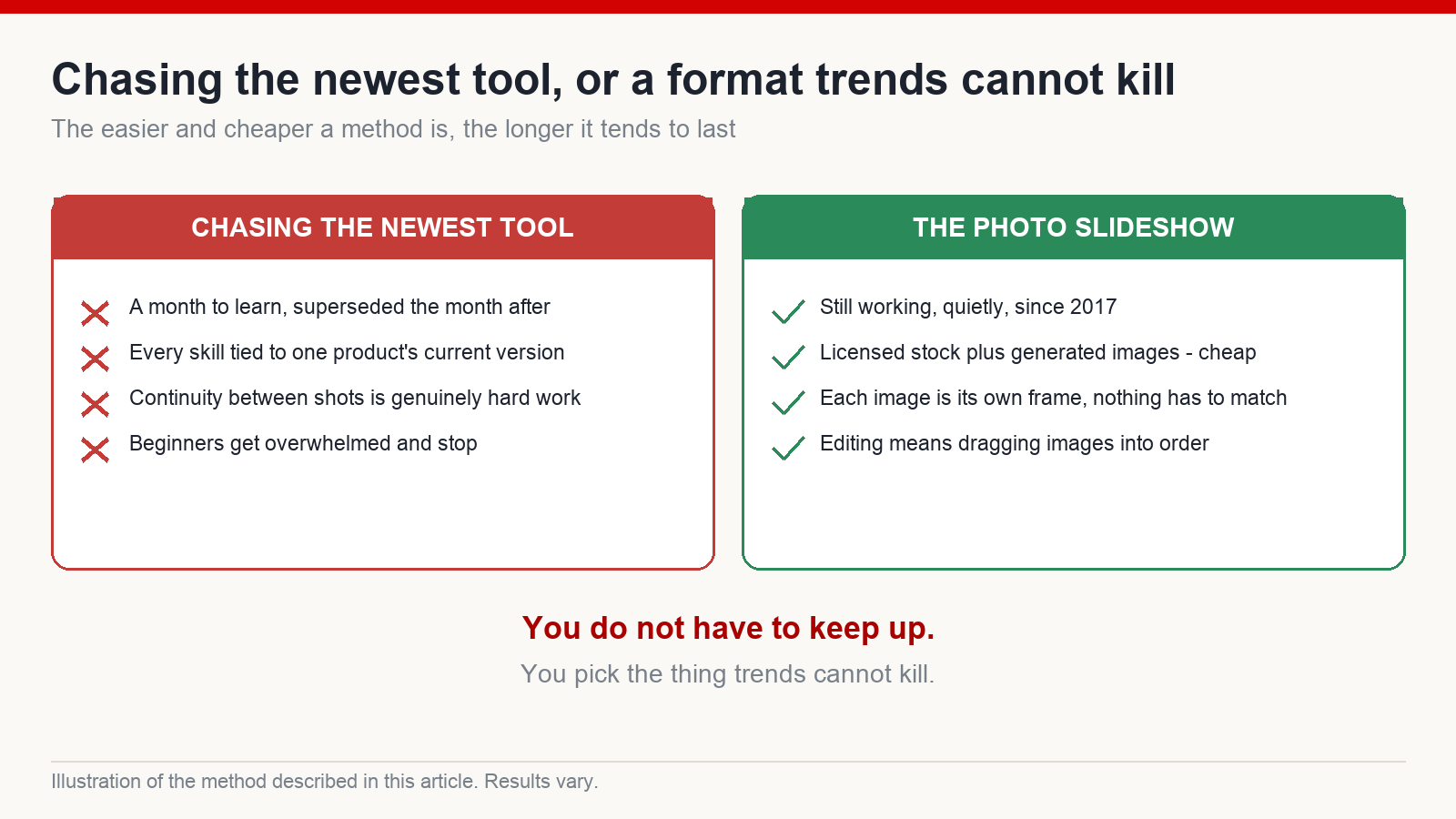
Since 2017 it has been there. Still getting watched. Still able to carry a channel. It has never once been the most exciting thing in the room, and it has never died either. Which produced a belief I now hold almost without reservation: the easier and cheaper a method is, the longer it lasts. The more elaborate, expensive and tool-dependent it is, the more likely the next version of that same tool buries it.
That is the answer to the fear of falling behind. You do not have to keep up. You pick the thing that trends cannot kill.
What a photo slideshow video actually is
Simple enough to be slightly disappointing.
You have a run of still images. Each one holds the screen for a handful of seconds. Over the top runs a voice track – which is the script you wrote. The images are not frozen, but they are not dancing either: a slow drift, a gentle zoom, a small pan. That is it. No effects, no explosions, no complicated staging.
These videos are almost always faceless. You are not on camera, you are not performing, and you do not need a decent room to shoot in. The whole channel is images and a voice.
And the word “editing”, which frightens everybody, means something very small here. Editing is dragging the images into the timeline in the right order. Image one, image two, image three. No layered timeline, no stack of effects making your eyes swim.
Which raises the only real question a beginner has at this point: once the script is written, how many images do I actually need?
The heart of it: from a script to the exact number of images
This is the section worth slowing down for. Everything above was to stop you being afraid. This part is what lets you finish something.
The hard part for a beginner is not filming and it is not editing. It is the moment you sit in front of a long script and think: how many images is this? Make too few and you run dry halfway, the voice still going with nothing left to show. Make too many and you have wasted hours and generation credits. I have watched people guess at that number, produce a few dozen images, get confused, and quit.
Do not guess. There is exactly one calculation.
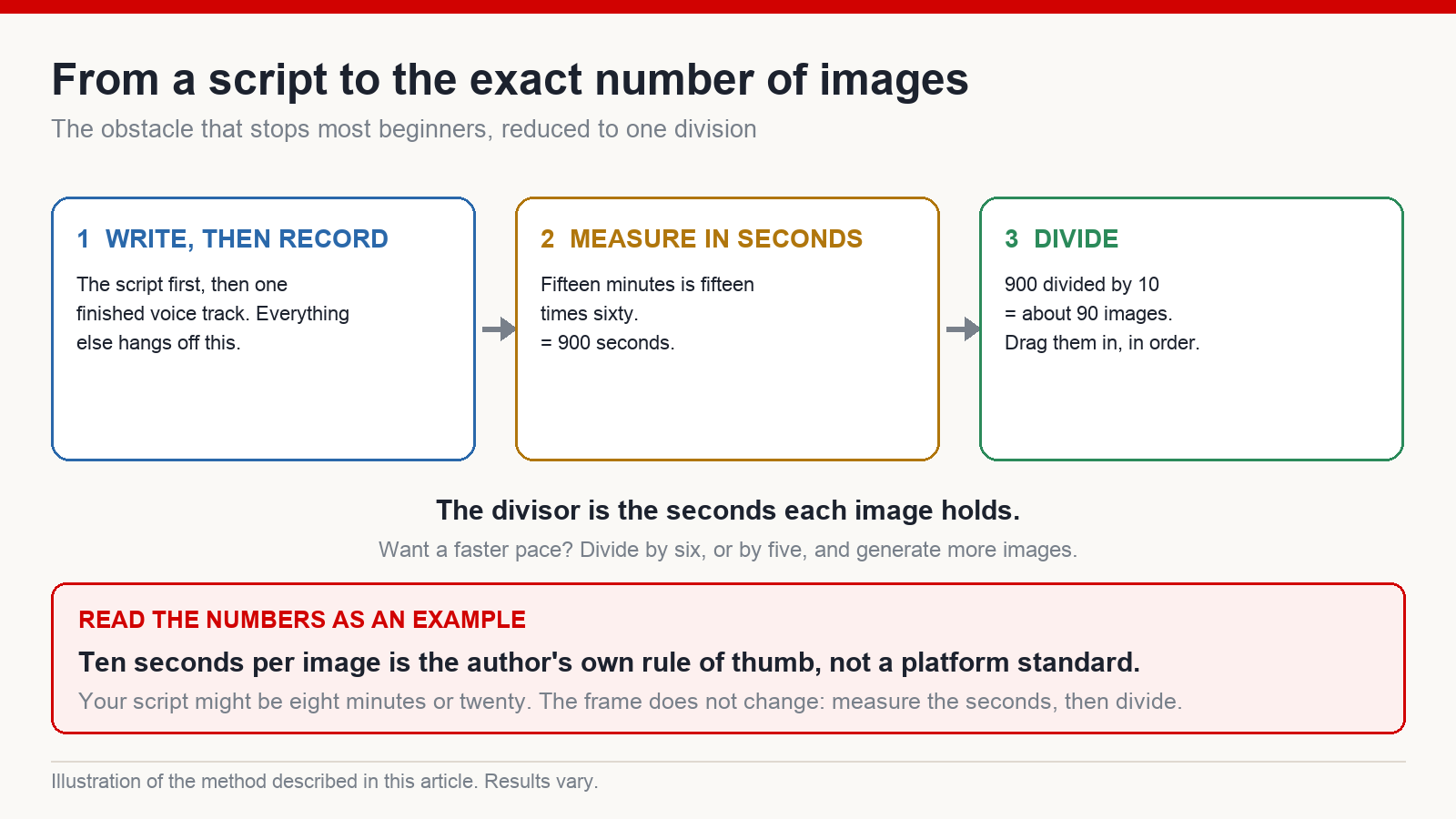
I call it the divide-by-ten rule. Five steps, and anyone with a calculator can run it.
- Write the script. The words come first. Everything else hangs off this.
- Record it as audio. Turn the script into one finished voice track.
- Measure the length in seconds. Fifteen minutes is fifteen times sixty – nine hundred seconds.
- Divide by ten to get the image count. Nine hundred divided by ten is ninety. You need roughly ninety images.
- Drag them into the timeline in order. Following the sequence of the script. Done.
That is the whole thing. What was an intimidating fog – “make a video” – collapses into a division you learned at nine years old. And once you stop worrying about running short or overshooting, you can actually sit down and work.
Why ten? Because it produces about ten seconds per image, which is a comfortable rhythm for the eye. But hold that number loosely: it is my own rule of thumb, not a law and certainly not a platform standard. Slideshow images often sit closer to five or six seconds. If you want a faster, denser pace, divide by six or by five instead – nine hundred divided by six is a hundred and fifty images. Your storytelling rhythm sets the divisor; the divisor should not set your rhythm.
And to be plain: every number in that example is only there to make the idea concrete. Your script might be eight minutes or twenty, and your image count will differ. The frame does not change. Measure the seconds, then divide. Remember that one calculation and you have walked past the exact obstacle that stops most beginners. The rest is just doing the work.
Divide and conquer, with a deliberately small toolkit
So you have your number – say ninety. Here is where people trip: they open a chat assistant, paste in the entire fifteen-minute script, and ask it to summarise the lot and produce image prompts for all of it in one go. It manages for a while and then tires. The summary goes thin, the later sections lose their detail, and the prompts start coming out interchangeable. You end up with a pile of images that do not match what the voice is saying.
Work differently. Divide and conquer. Cut the script into five-minute sections and finish one before touching the next. For each section, ask for a summary broken into beats, with an image prompt attached to each beat. Then take those prompts, generate that section’s images in a batch, and drop them into the timeline in order. One section, finished properly, then the next. The machine does not get overloaded, and neither do you.
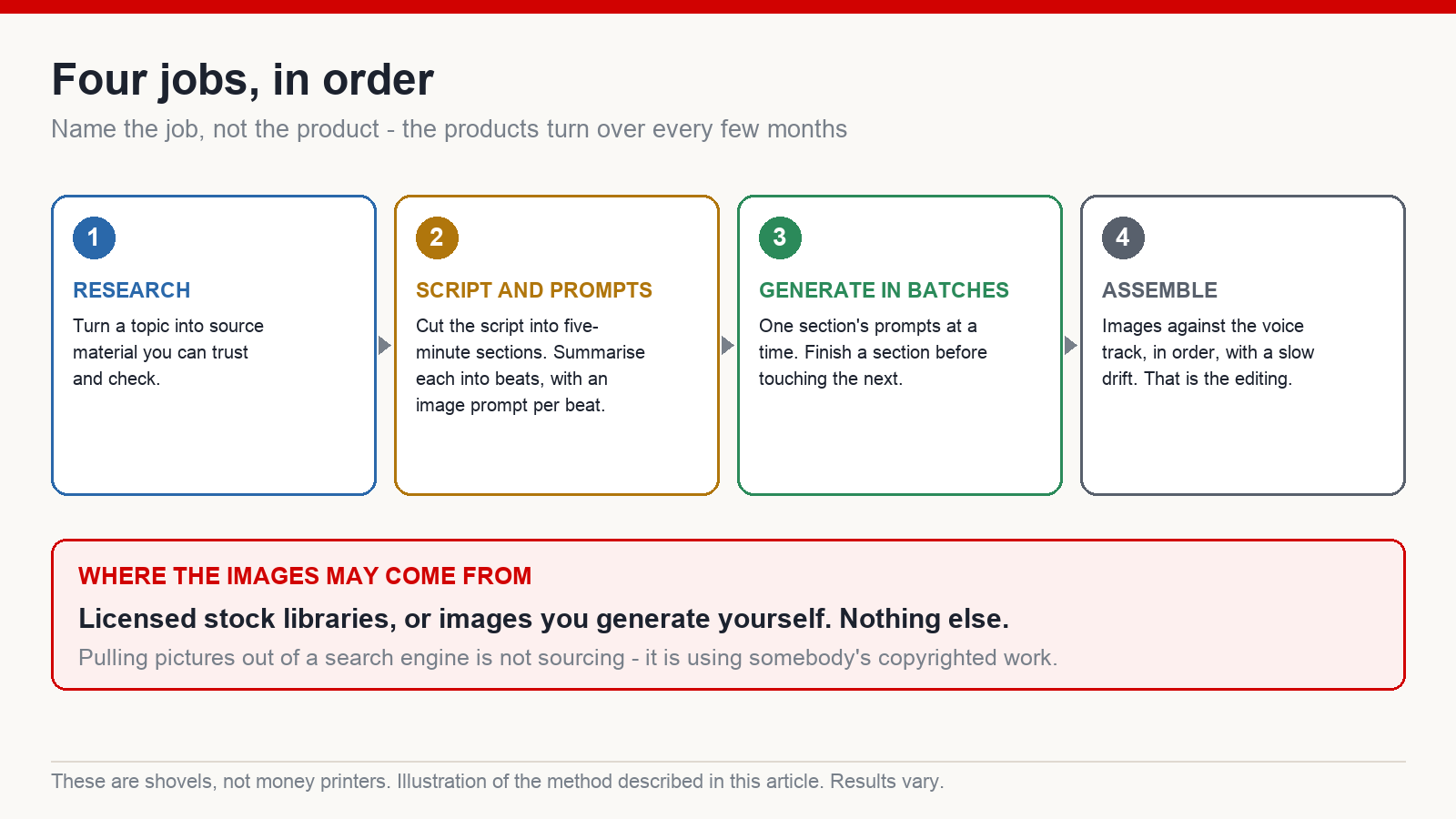
On tools, I want to give you the jobs rather than a list of brand names, because the brands change every few months and the jobs do not. You need four things: something that turns a topic into research material you can trust; something that writes and structures the script section by section along with image prompts; something that generates images in batches; and a simple timeline editor that puts images against a voice track and adds a slow drift. Free options exist for every one of those roles today, and different ones will exist next year. Pick whatever currently does the job and do not become attached.
One more thing, said plainly: these tools are shovels, not money printers. They make the work faster and less painful, and that is all. None of them guarantees views or income. What decides the outcome is the story you tell and whether you keep publishing.
Stop torturing yourself, and choose difficulty at the extremes
You have the calculation and the toolkit. There is one more trap waiting at the moment you start generating, and nearly everyone falls into it.
You are making a slideshow about a lion. In shot one it is lying under a tree. In shot two it stands up. But the mane in shot two is slightly darker, the tail sits differently. So you regenerate. Five, six, seven attempts to get two images to match. Half a day gone and you have two shots.
Let me ask directly: do you want a finished video, or do you want an identical lion? Those two goals are frequently not on speaking terms. A perfectly consistent character in a video nobody watches is a consistent character in a video nobody watches.
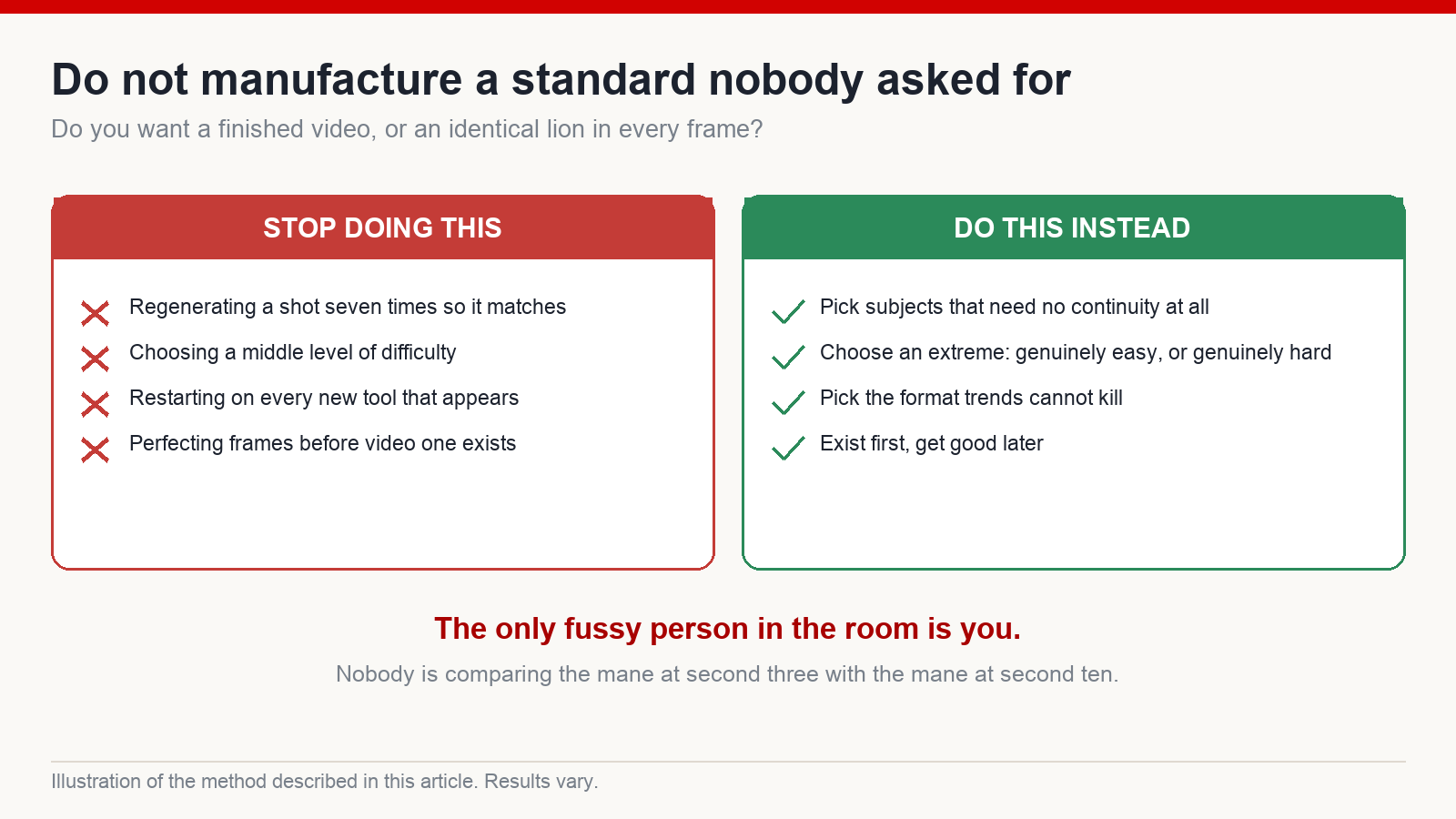
Viewers are much easier to please than you are. They scroll in, they hear the voice, they watch the images drift, and if it feels good they stay. Nobody is comparing the mane at second three against the mane at second ten. Do not manufacture a standard nobody asked for and then exhaust yourself before your first video exists.
The fix is easy: choose subject matter that does not need continuity. Animals, landscapes, scenery, places – each image is its own frame and nothing has to match what came before. You move dramatically faster, and you keep enough energy to publish regularly.
More broadly, this is about choosing your level of difficulty, and my view is that you should choose at one extreme or the other. Either genuinely hard – selling real expertise that other people cannot produce – or genuinely easy, like slideshow work that anyone can start today. What you must not choose is the middle: as much effort as the hard route, with none of the durability of the easy one. For somebody starting out, the easy extreme is the sensible entry. Exist first. Get good later.
One habit that saves a lot of time: mix properly licensed stock imagery with images you generate. Where a stock library already has the shot – a lion, grassland, a sunset – use it and skip the generation entirely. Only generate what you genuinely cannot source. And be careful about where images come from: pulling pictures out of a search engine is not sourcing, it is using somebody’s copyrighted work, and it is the sort of thing that costs you a channel later. Licensed stock or images you made yourself. Nothing else.
Put the process on top of something you actually like
I have saved the honest part for the end.
Everything above is a process: write, record, measure, divide, assemble. But there is one thing that decides how far you get, and no process teaches it. It is whether you actually like the thing you are making.
Early on I worked in comedy and light entertainment, because I assumed funny meant watched. I worked at it steadily. Nothing moved. Videos going out on schedule and the view counts staying in double figures, day after day. There were nights I sat looking at a channel that would not budge, refreshing the stats page, wondering whether I was simply not suited to this.
Then I tried animals. Not out of any clever calculation – I just like animals. I can watch footage of them for an afternoon without getting bored. And oddly, once I was making something I actually cared about, it started working.
The lesson is not “make animal videos”. The lesson is: pick a niche that overlaps with what genuinely interests you. Slideshow work wins on consistency. One video changes nothing. Ten, or a hundred, made steadily month after month, becomes something. And you can only be that consistent when you are not forcing yourself. You last because you like it, not because you are disciplined enough to hate it for a year.
That is also the deepest answer to the fear of pouring effort in and losing it all. You have not lost it, if even on the days with no result you were glad to be sitting there doing it.
So: pick a subject you actually like. Write a short script. Record it, measure the seconds, divide. And finish one video this week. Do not wait for it to be perfect. Make it small, make it finished, then make it regularly.
If you want a day-by-day structure and other people going through the same thing, that is what I run at mmoyoutube.com. It is a frame for consistency, not a button that produces income – results depend on your niche, your content and your persistence, and this work stays unpredictable.
Will a slideshow video be treated as low-effort filler and demonetized?
What gets penalised is not the format – it is careless work with no point of view: images grabbed at random, a flat machine voice, content copied from somewhere else. If you write your own script, choose a decent voice, and pick images that serve the story you are actually telling, that is a video with work in it. The difference sits with the person making it, not the format.
I cannot draw and I am not technical. Can I still do this?
Yes. All the “drawing” here is typing a description for a generator – no brush required. And “editing”, as described above, is dragging images into order. If you can use a social network, you can make a slideshow. The only genuinely hard part is sitting there until the last image is in place.
How long before this produces results?
I do not have a number for you, and you should be suspicious of anyone who gives you a confident one. It depends on the niche, the content and how consistently you publish – some people move quickly, some slowly, and some have to change niche more than once, as I did. The only thing I am certain of is that not making anything guarantees nothing. Publish regularly first, then assess.
Should I use stock imagery or generate the images?
Both, mixed. Where a licensed stock library already has the shot, take it and save the time. Generate only what you cannot source. What you must not do is pull images out of a search engine – those belong to someone, and using them is the kind of shortcut that costs you a channel later.
How long should each image stay on screen?
Around five to ten seconds is comfortable, which is where the divide-by-ten rule comes from. Faster storytelling wants a smaller divisor and therefore more images. Let the rhythm of your script decide the number rather than forcing your script to fit an arbitrary one.



