The AI Tool Stack For A Faceless YouTube Channel, Stage By Stage
There was a time when finishing one video meant assembling a small crew. Someone to shoot, someone to light it, a microphone that did not embarrass you, and then hours of manual editing and subtitling. That barrier kept a lot of good ideas from ever reaching an audience.
Now one person with a laptop can run the whole production line. That is why faceless channels have multiplied so fast. But the barrier did not disappear so much as move: there are now so many AI tools that the new failure mode is paying for five subscriptions and still not publishing anything.
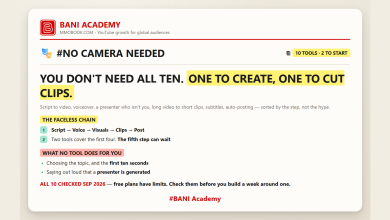
So this is not another list of every tool in existence. It is the stack organised the way production actually runs, stage by stage, with a note on what each stage genuinely needs and what it does not.
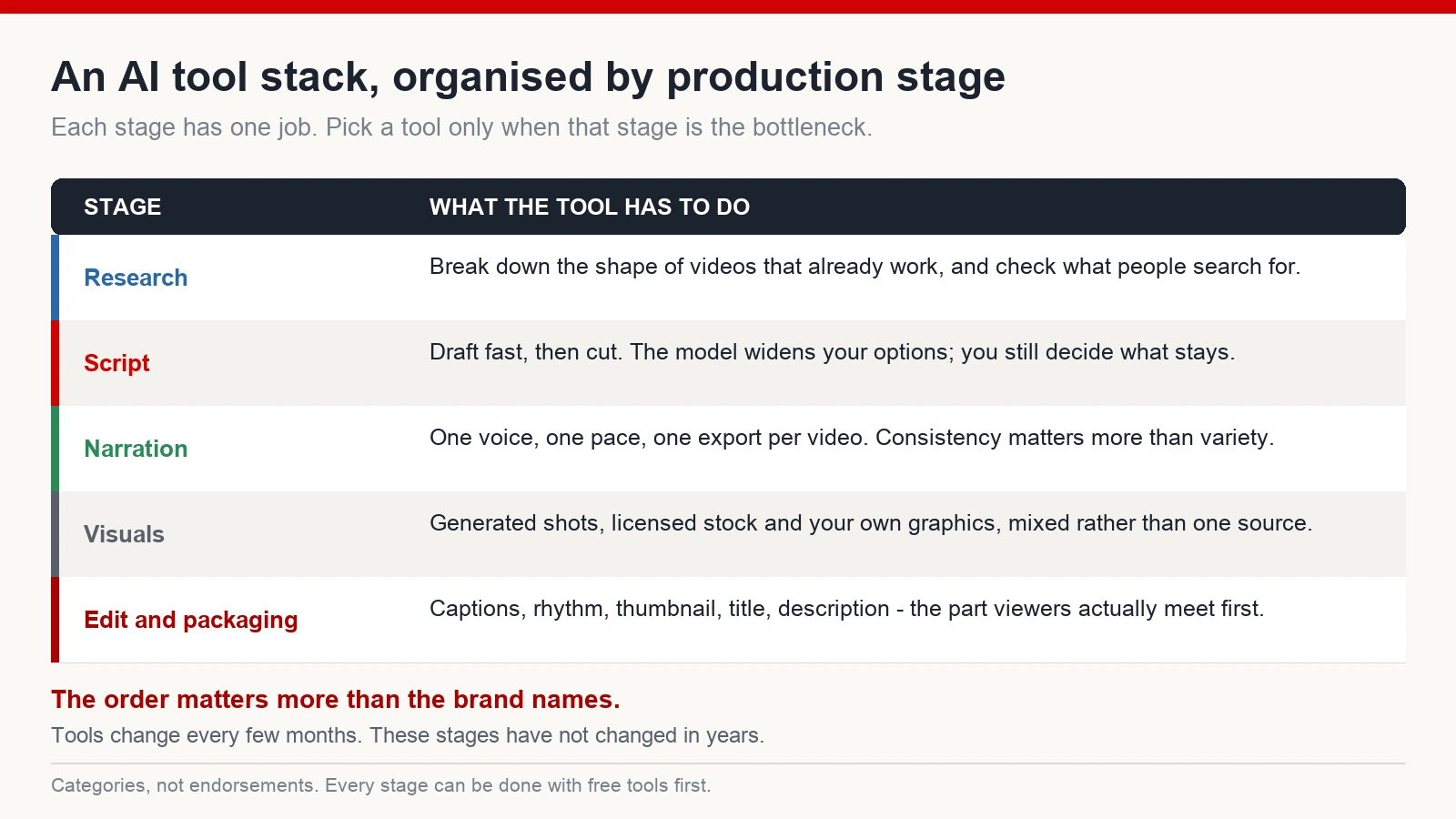
Stage 1: research and ideas
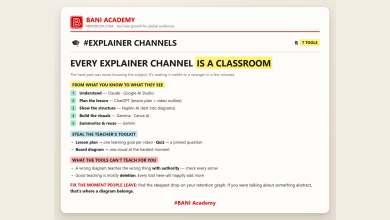
People assume YouTube is an editing contest. It is not. It is an ideas contest with a retention scoreboard. A weak topic edited beautifully still dies in the first ninety seconds.
What a research tool has to do here is answer two questions: what is already working in this niche, and what shape do those videos have. A general-purpose language model is surprisingly good at the second one. Give it a video you want to understand and ask it to break down the opening promise, the pacing, where the tension builds and how the ending handles the viewer’s attention.
One boundary worth stating plainly, because plenty of people cross it without noticing: studying structure is research, and lifting material is not. Pulling somebody’s captions, running them through a rewriter and publishing the result is a copyright and policy problem, and it also leaves you with a channel that has nothing of its own. Learn the framework. Write your own thing inside it.
Alongside that sits keyword and competitor research – the tools that show you search demand, competition and how fast a channel is growing. The free tiers are usually enough while you are still deciding whether a niche is worth committing to.
Stage 2: the script
This is where most faceless channels are won or lost, and it is also where AI assistance is most often misused.
A language model is excellent at getting a first draft out of your head and onto the page, at generating ten title angles when you are stuck on one, at rephrasing a clumsy paragraph so it sounds like speech. What it is not good at is deciding what matters. If you let it decide, you get the flat, evenly-weighted prose that viewers now recognise instantly.
The working habit: draft in whichever language you think fastest in, use the model to widen your options, then cut hard yourself. Read the result out loud. Anything you stumble over on the page will sound worse in narration.
Stage 3: narration
Synthetic voices have improved enough that, set up well, most viewers do not stop to wonder about them. That single change is what made the current wave of faceless channels possible.
What you need from a voice tool is narrower than the feature list suggests: clean pronunciation of the vocabulary your niche keeps using, a pace slightly slower than feels right when you read it, and consistency – the same voice rendering the same way next month, not just today. Range matters more on long videos than on short ones, because a flat voice becomes obvious around the four-minute mark.
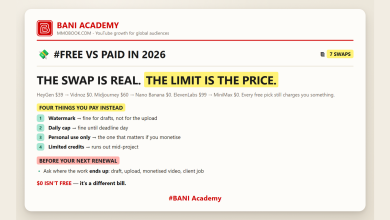
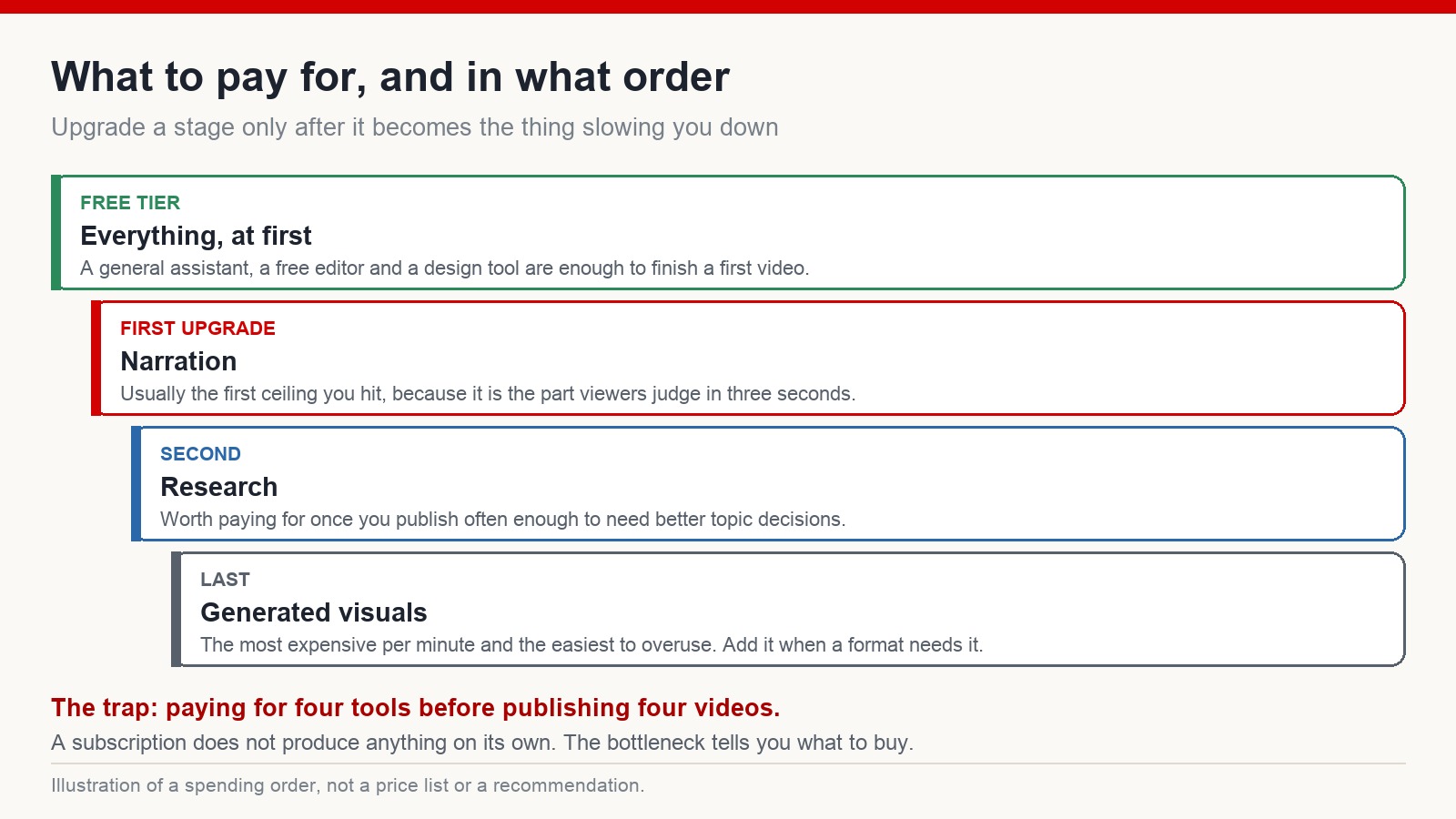
Cost is the real constraint. Voice generation is usually priced by volume, so a channel publishing daily hits the ceiling far sooner than one publishing weekly. Work out what your actual output will be before choosing a plan.
Stage 4: visuals
This is the fastest-moving part of the stack and the easiest place to burn money. Text-to-video systems can now produce cinematic shots, natural motion and camera movement that would have needed a location shoot a few years ago. For documentary, mystery and storytelling formats they genuinely fill gaps that stock libraries cannot.
Two cautions, though. Generated footage is the most expensive minute of video you will ever produce, so it works best as a supplement rather than a base layer. And a video assembled entirely from generated shots tends to feel weightless – viewers cannot say why, but they leave. Mixing generated material with licensed stock, your own graphics and simple motion design consistently holds attention better than any single source.
Whatever the source, check the commercial terms of the tool you use. Some plans allow monetised use, some do not, and some change the answer when you move between tiers.
Stage 5: editing and packaging
The editor is the least glamorous line item and the one you will spend the most hours in. What actually matters is speed: automatic captions that are accurate enough to correct rather than retype, quick zoom and motion so shots do not sit still, and painless export in both landscape and vertical. A free consumer editor does all of that. It is not a compromise; it is what most high-performing faceless channels are cut in.
Packaging – the thumbnail, the title, the first line of the description – is the part the audience meets before the video itself. Image generators are useful for producing concepts quickly, and a simple design tool is where most creators do the final assembly: crop, contrast, text, done. If you are going to over-invest anywhere, over-invest here, because it is the only stage that decides whether the rest of your work gets seen at all.
The management layer, and one warning
Analytics tools that show a competitor’s average views and growth rate are useful once you are publishing regularly, because they tell you whether a topic is being pushed or ignored. Your own analytics page tells you more than any of them.
There is also a category of software for running many accounts at once through separated browser profiles. It gets recommended in creator circles as a scaling tool. It is worth being clear about it: platforms restrict artificial account networks, coordinated engagement and view manipulation, and channels built that way get removed in batches when the pattern is detected. If you are still working on your first channel, this category has nothing to offer you. Content first.
Disclose synthetic media when it looks real
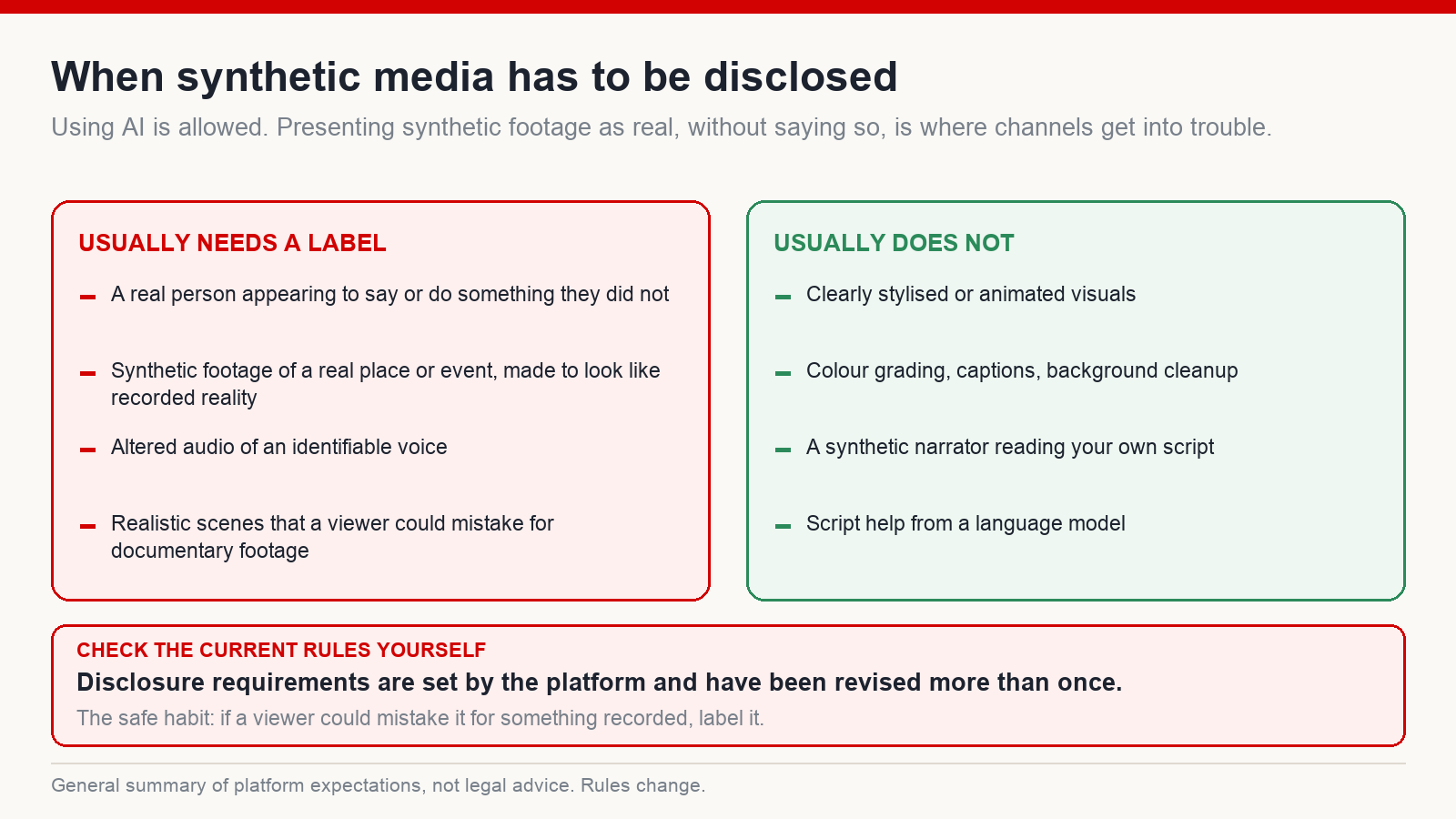
Using AI is not against the rules. Presenting synthetic footage as recorded reality, without saying so, is where channels get into trouble.
If a video contains realistic synthetic scenes, an identifiable person appearing to say something they did not, or altered audio of a real voice, it needs to be disclosed. A synthetic narrator reading your own script over stylised visuals normally does not. The requirements have been revised more than once, so read the current help pages rather than trusting a summary – including this one.
What the tools do not do
Every tool above makes production faster, cheaper and easier to repeat. None of them supplies a point of view, a story worth telling, or the instinct for when a video is dragging.
That is why two channels using the identical stack can end up in completely different places. The viewer never asks which software you used. They ask one question, repeatedly, all the way through: is this still worth watching?
Frequently asked questions
Which tools should a complete beginner start with?
A general assistant for drafting, a free editor with automatic captions, and a simple design tool for thumbnails. That is enough to finish and publish a first video. Add anything else only when a specific stage becomes the thing slowing you down.
Do synthetic voices affect monetisation?
Not on their own. What gets channels into difficulty is mass-produced, unedited or duplicated content – the narration method is secondary to whether the video was actually made by someone. Policies do change, so check the current rules for your region.
Do I need paid plans straight away?
No. Most of these tools have free tiers that are enough to test whether a niche is worth pursuing. Paying before you have published is how people end up with subscriptions and no channel.
Will generated video replace editors?
Not yet, and not in the way people expect. It removes a lot of sourcing work, but the decisions that hold attention – what goes on screen, for how long, and where the story turns – are still editing decisions.
Where to put your attention
The creators who last are not the ones with the longest tool list. They are the ones with a workflow they can repeat, a sense of story, and enough patience to improve across a run of videos rather than betting everything on one.
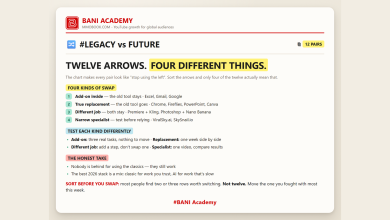
Pick one tool per stage. Learn it properly. Publish. Then upgrade the stage that hurts most. If you want a structured way to work through that, the training system at mmoyoutube.com walks through it step by step – no promises about results, which vary by niche, effort and a fair amount of luck.